Jan 2026 - May 2026
Open Source Project
UI/UX Designer (Redesign & UI Assist)
Vue 3 with TypeScript
Tailwind CSS & shadcn/ui
Docker API & Go Backend
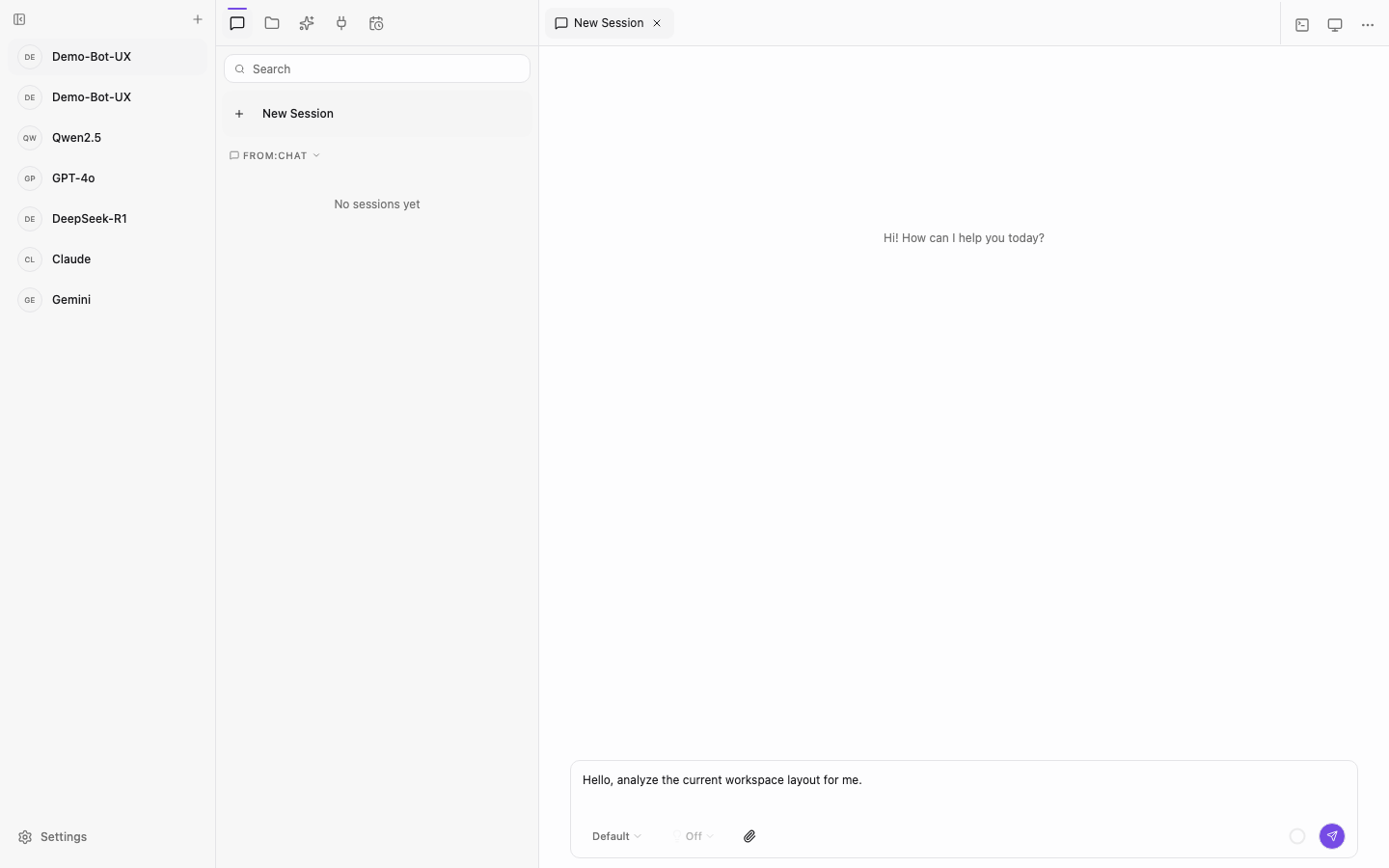
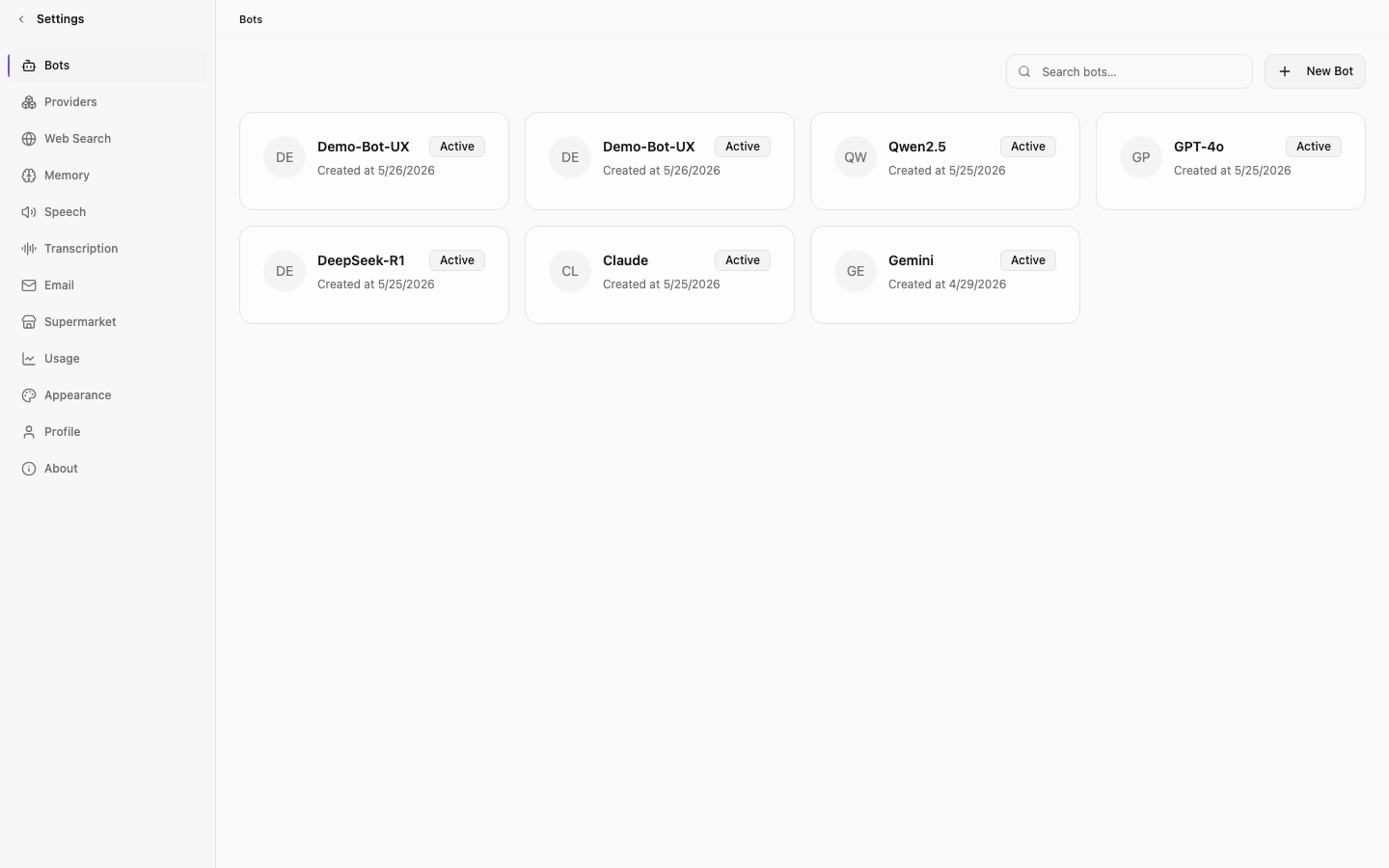
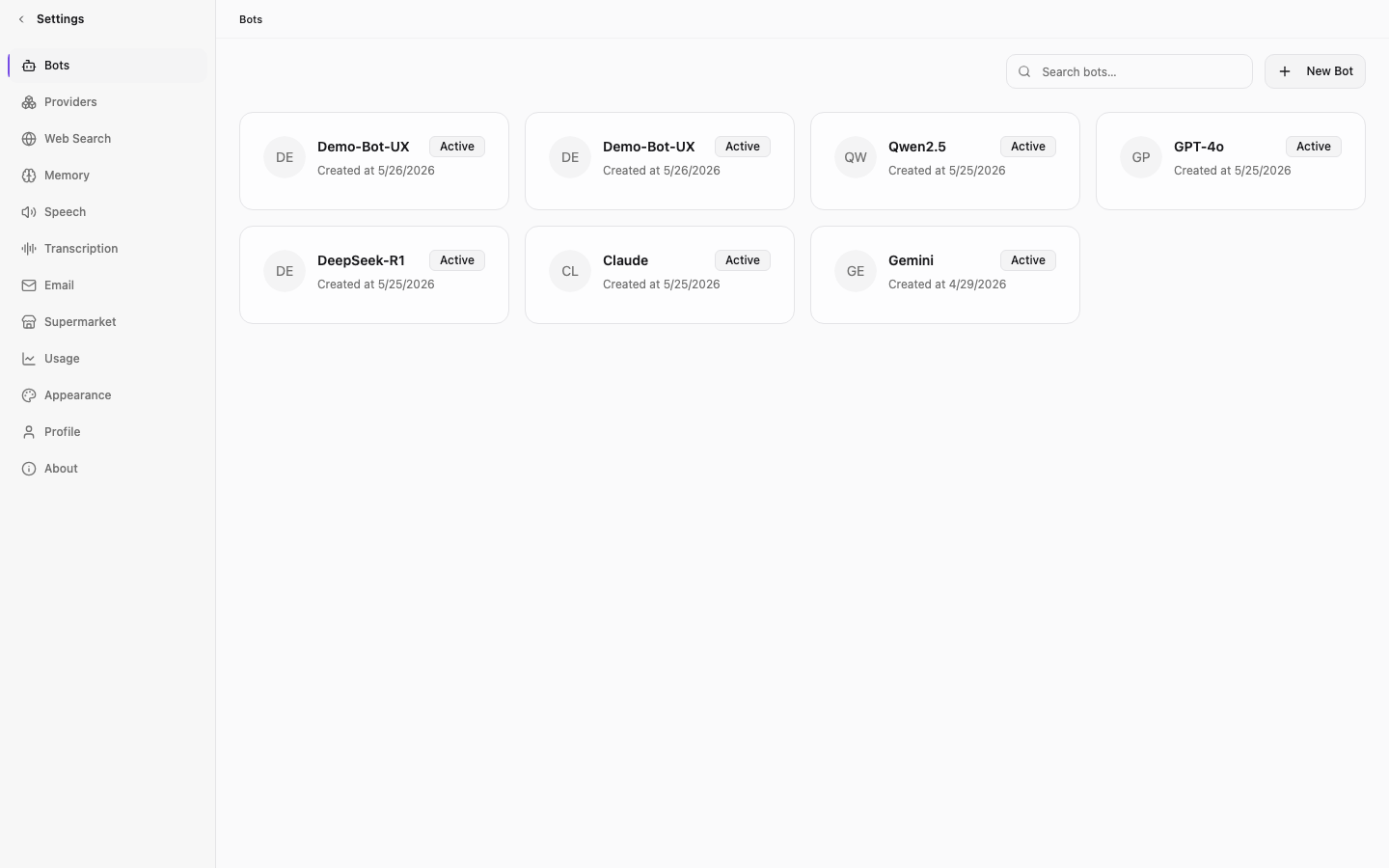
Memoh is a self-hosted AI agent manager. The interface focuses on high information density and flat structural borders rather than colorful cloud graphics.
The Infrastructure Metaphor
Ditching the Magic Cloud Trope
Why AI Tools Feel So Light
Most consumer AI tools hide behind gradients and glass. Memoh runs in local Linux sandboxes. It is infrastructure, not decoration.
The design mirrors a virtual machine. Cards are pure white or deep charcoal. Purple occupies under fifteen percent of the interface. Developers look at structure, not buttons.
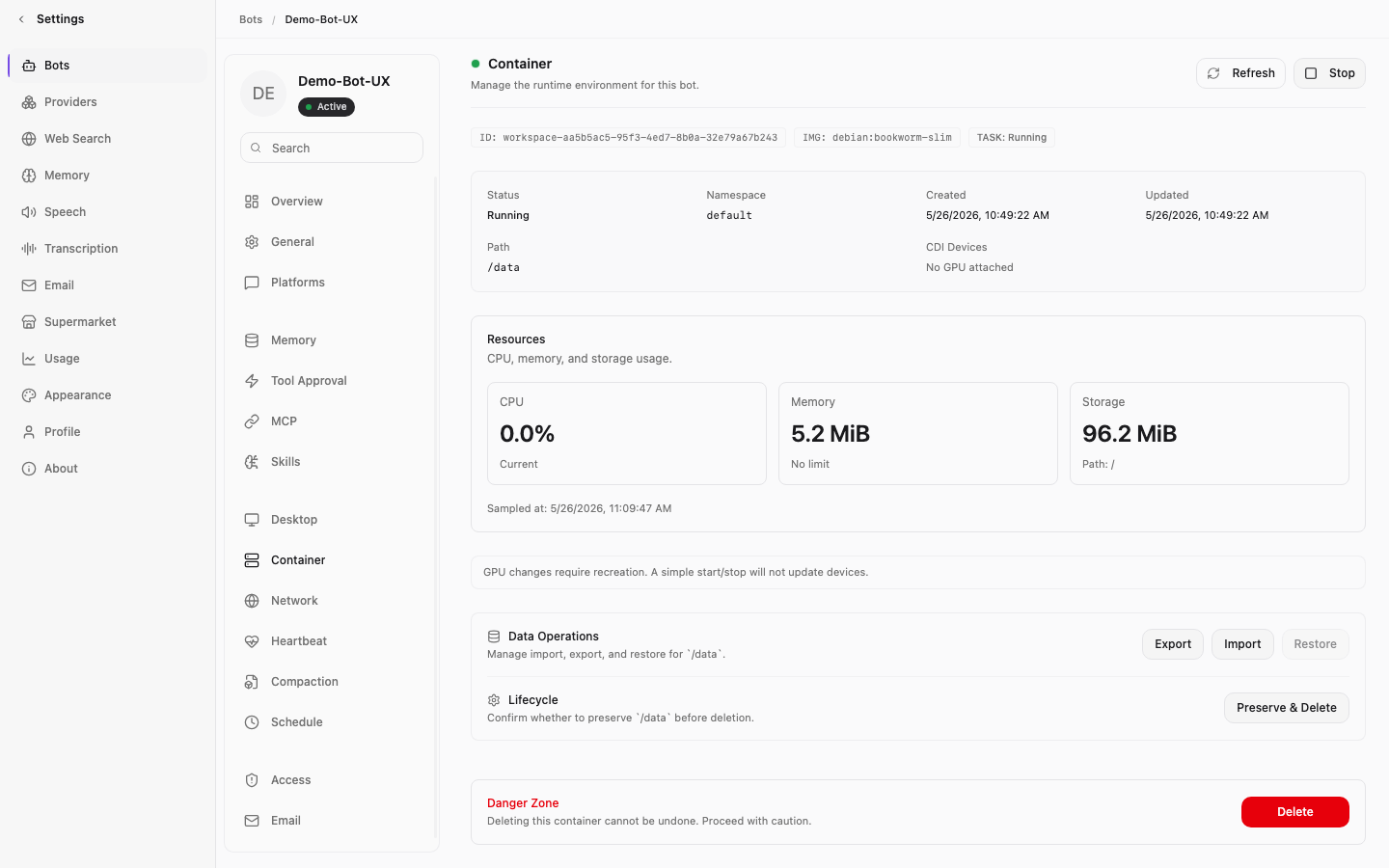
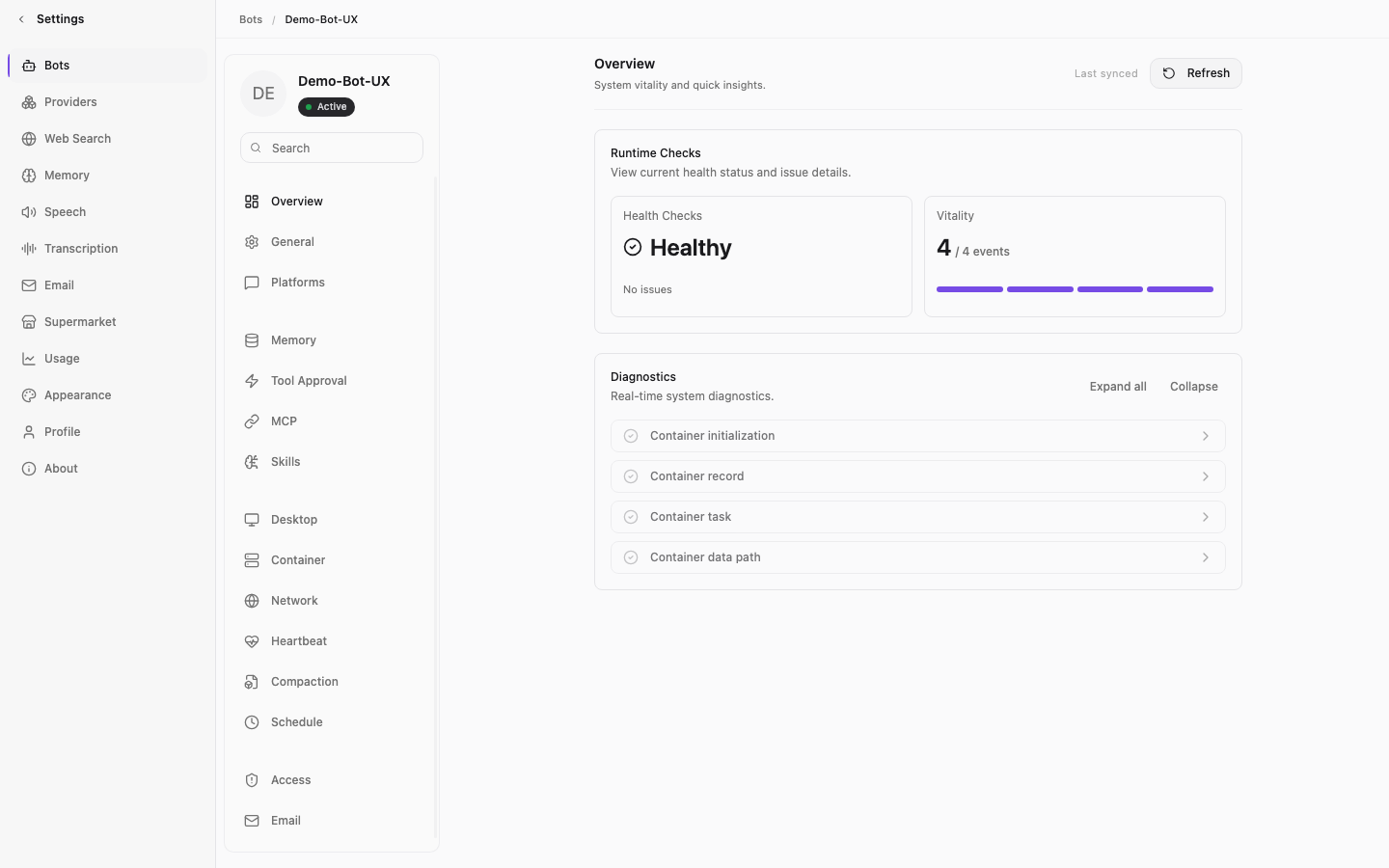
Multi-agent nodes run inside isolated environments, mapped directly to flat frontend panels.
The Cognitive Challenge
Taming Multi-Agent Runtimes
The Sandbox Workspace
Checking Docker logs should not require three terminals. We mapped container states—CPU, memory, MCP tools—into a three-column Master-Detail layout.
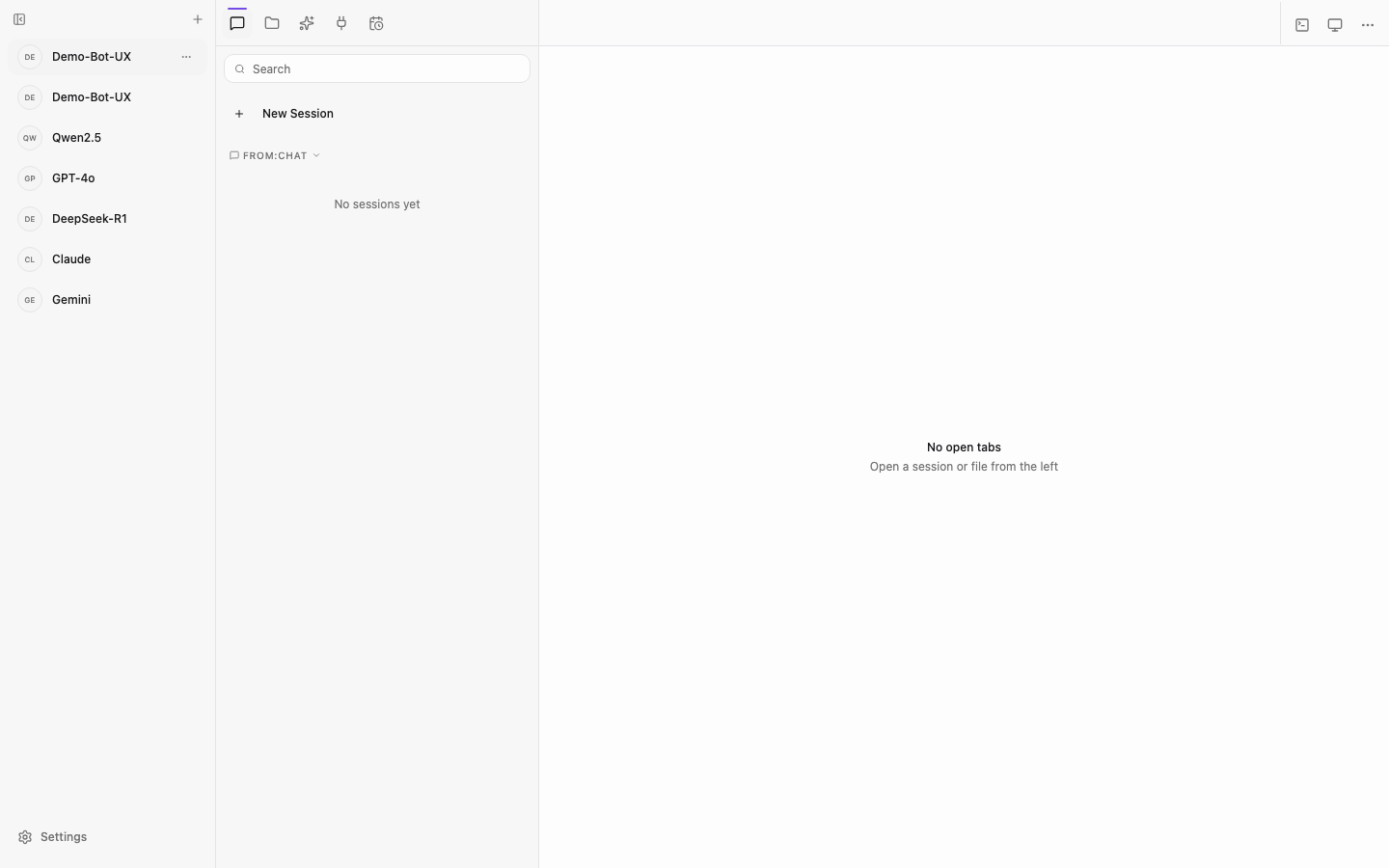
The Master-Detail grid: A navigation rail, a flexible conversation workspace, and a context sidebar form the three-column structure.
Progressive Disclosure in Complex Forms
The Network page handles SD-WAN policy, IP bindings, port mappings. One wrong field can disconnect a container. The original design listed everything in a single column—higher density, higher risk.
I applied progressive disclosure: SD-WAN toggle always visible, basic parameters in a card, auth keys in a collapsible section.
Network configuration panel: SD-WAN toggle and Tailscale connection type at the top, Primary Configuration in a card, advanced parameters in a collapsible area.
The Approval Redesign
Designing the Human-in-the-Loop Approval
The redesigned Approval tab: Action cards replace raw textareas, providing tighter control over agent tool triggers.
The Binary Paradox vs. Tri-State Controls
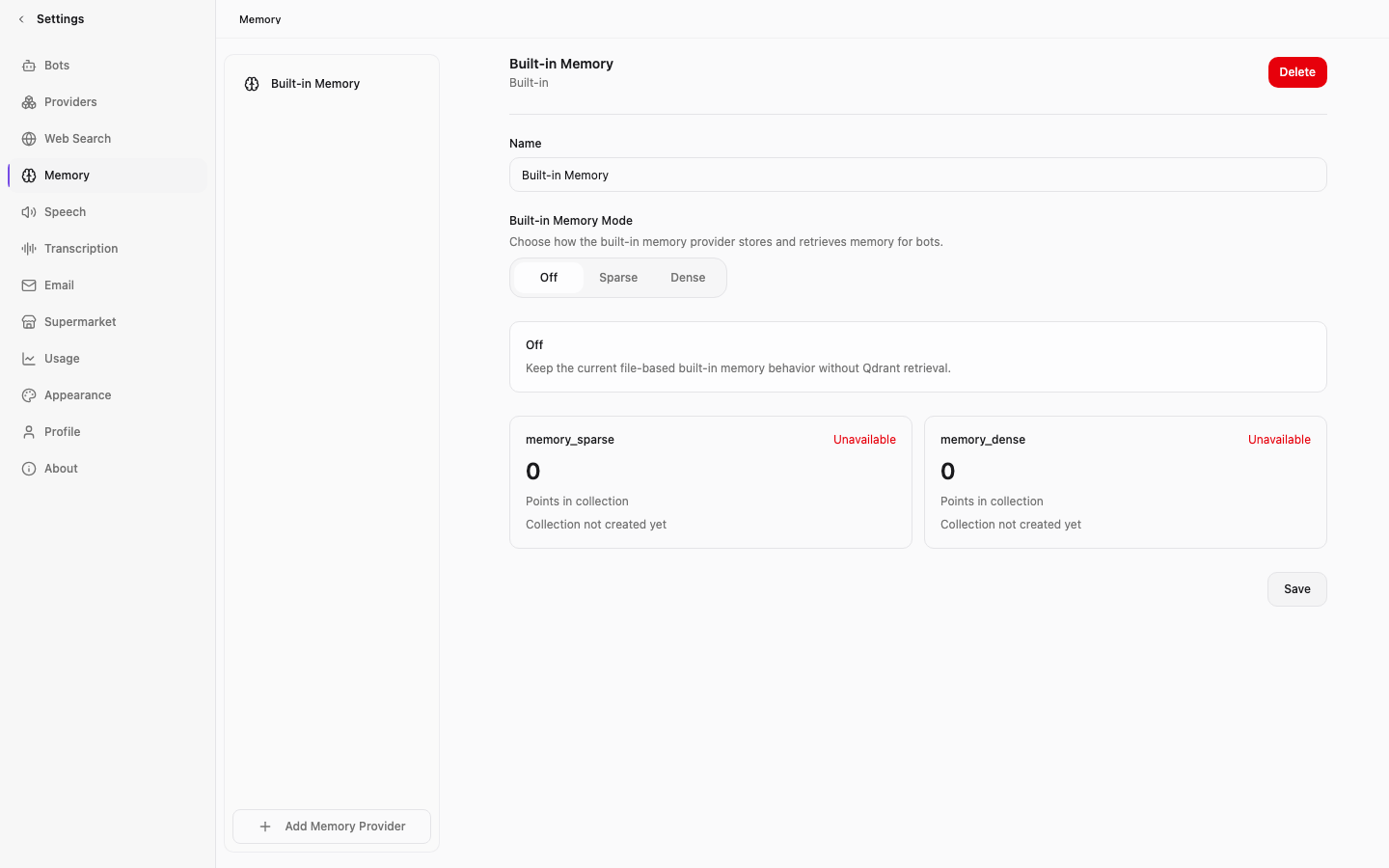
The original UI used plain textareas for Glob paths. Destructive commands should be blocked, not queued. We replaced this with three states: Auto-Approve for safe directories, Require Approval for risky actions, Silent Block for critical operations.
Network configuration panel: public egress, SD-WAN, and internal tunnel each reside in their own domain card. The Box-in-Box structure enables an admin to locate critical controls without reading labels.
Box-in-Box: Visualizing Complex Form Hierarchies
Conventional forms stack fields linearly. The more items, the more likely a toggle gets missed. The problem is not attention—it is unranked information architecture.
Box-in-Box solves this: an outer card defines a network domain, the inner layer holds its parameters. Parent-child relationships are visual. An admin finds three things fast: network status, SD-WAN toggle, primary actions.
Nested form detail: IP bindings and port mappings fold beneath their parent domain container. The Box-in-Box visual hierarchy makes parent-child relationships self-evident.
Micro-Interactions and Aligned Metrics
Misaligned baselines erode trust. I tightened spacing in the Tool Approval card. Primary buttons anchor to a sticky header. An "Unsaved changes" badge fades in when settings shift—informative, not intrusive.
The MCP Logs panel: High-density event entries displaying live clipboard activity and system calls.
Landing Page Architecture
From Storyboard to Production Code
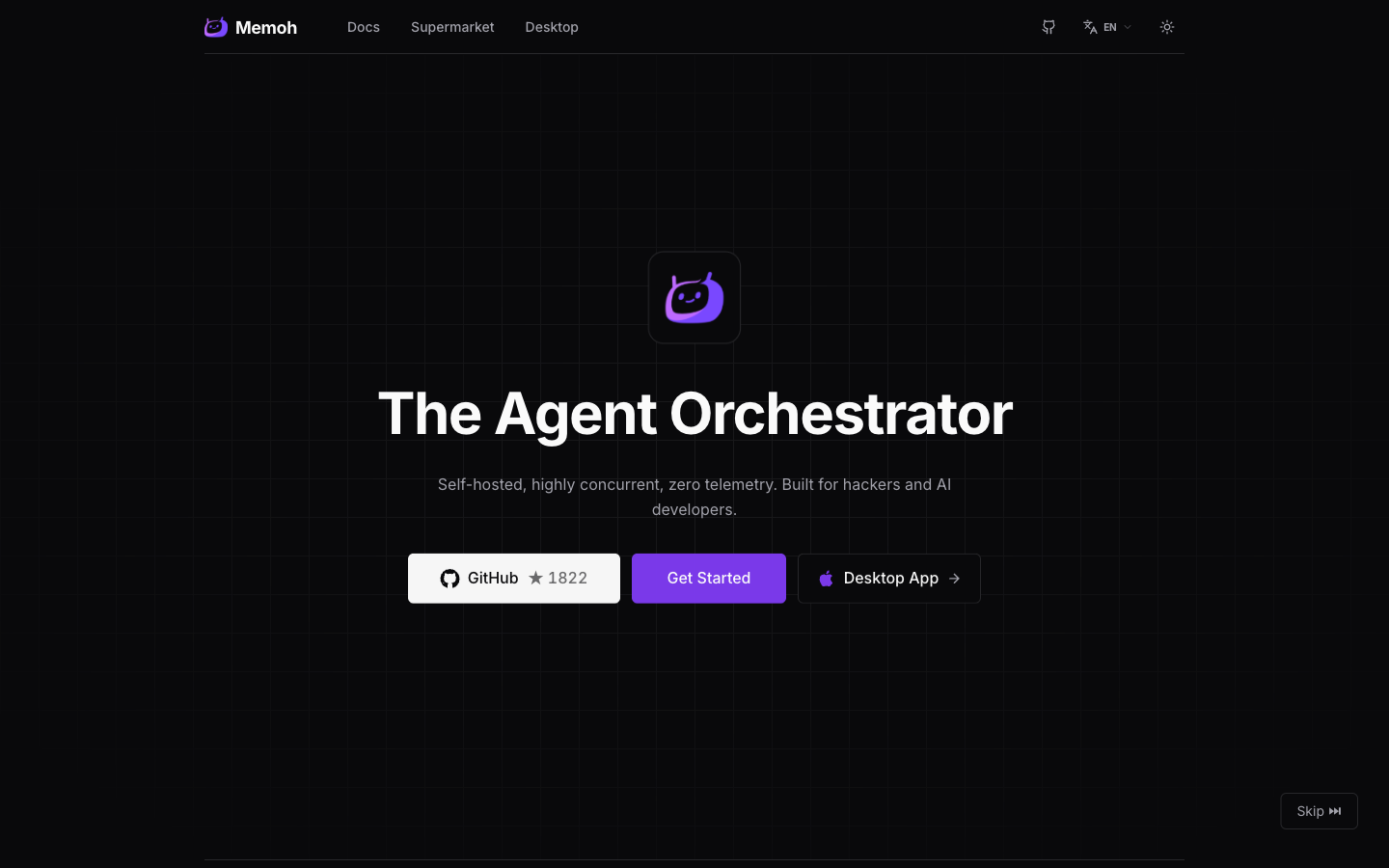
The Hero section: A masked grid background establishes spatial order before the content arrives. The logo, headline, subtitle, and three CTAs enter on staggered delays.
The Entrance Sequence
A grid background, masked by a sixty-percent radial gradient, opens the page. Logo appears first. Headline at 100ms. Subtitle at 200ms. CTAs at 300ms. Same easing, same duration.
The grid is the storyboard. The staggered reveal is the AI agent translating specs into code. The animation documents the workflow—it is not decoration.
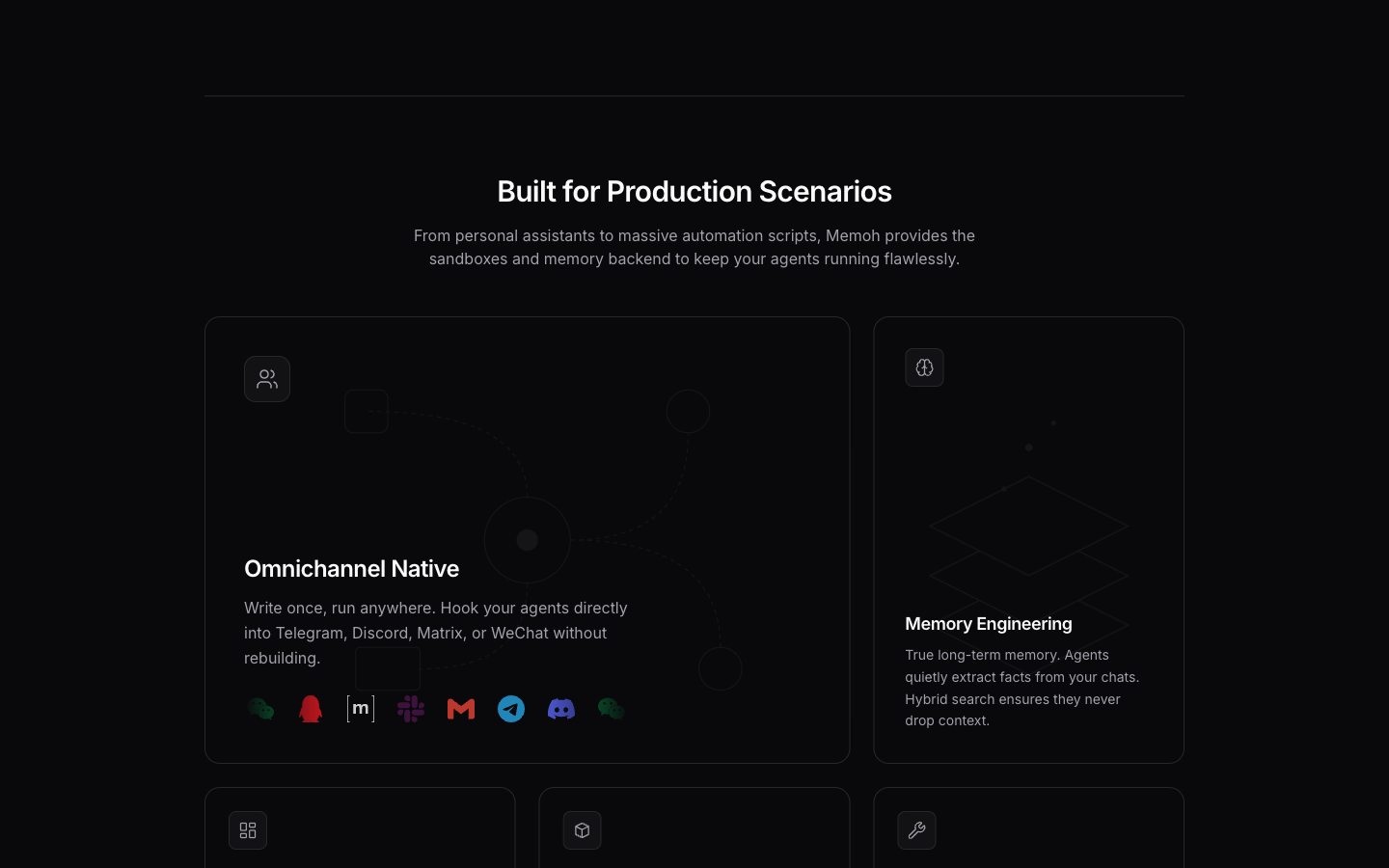
The Bento grid: Omnichannel Native occupies a two-by-two card with a marquee of platform logos. Memory Engineering stands tall at one-by-two. Web UI, Containerized Isolation, and MCP Ecosystem each claim a single cell.
Bento Grid as Information Architecture
Feature priority is communicated through space. Omnichannel Native gets a 2x2 card—the primary value proposition. Memory Engineering gets a tall 1x2 card. Three secondary features share equal single cells.
This mirrors the Box-in-Box pattern in the product's Network panel. Same logic, different scale.
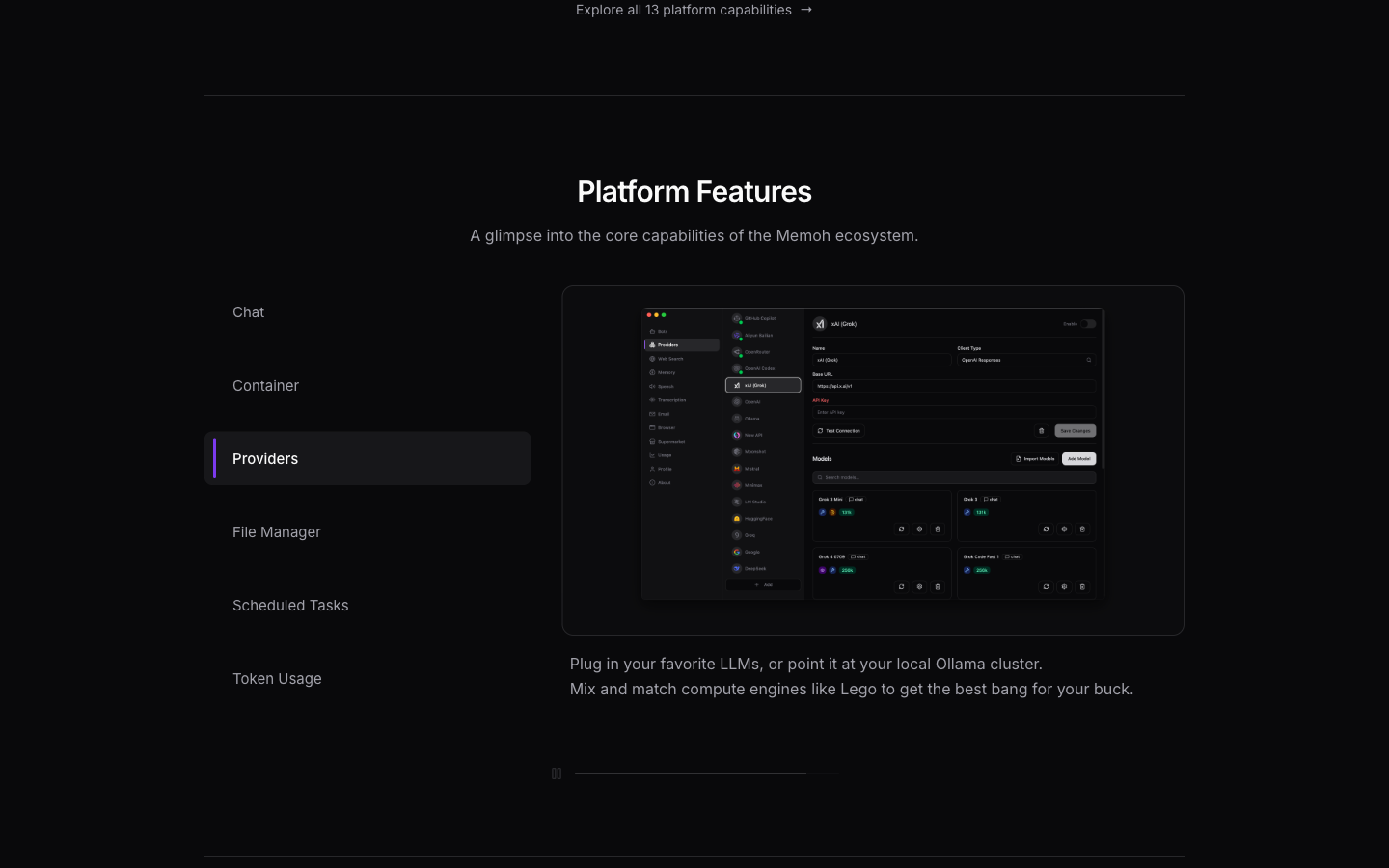
Feature cards in their hover state: borders shift from subtle to perceptible, SVG illustrations gain opacity, and external link icons appear.
Subtle Hover as System Feedback
The grid responds to the cursor with a low-amplitude opacity shift. Card borders brighten. SVG illustrations go from 40% to 100%. External link icons fade in.
No scale, no translate, no bounce. Feedback through color and opacity only. Two hundred milliseconds. A developer tool should not perform.
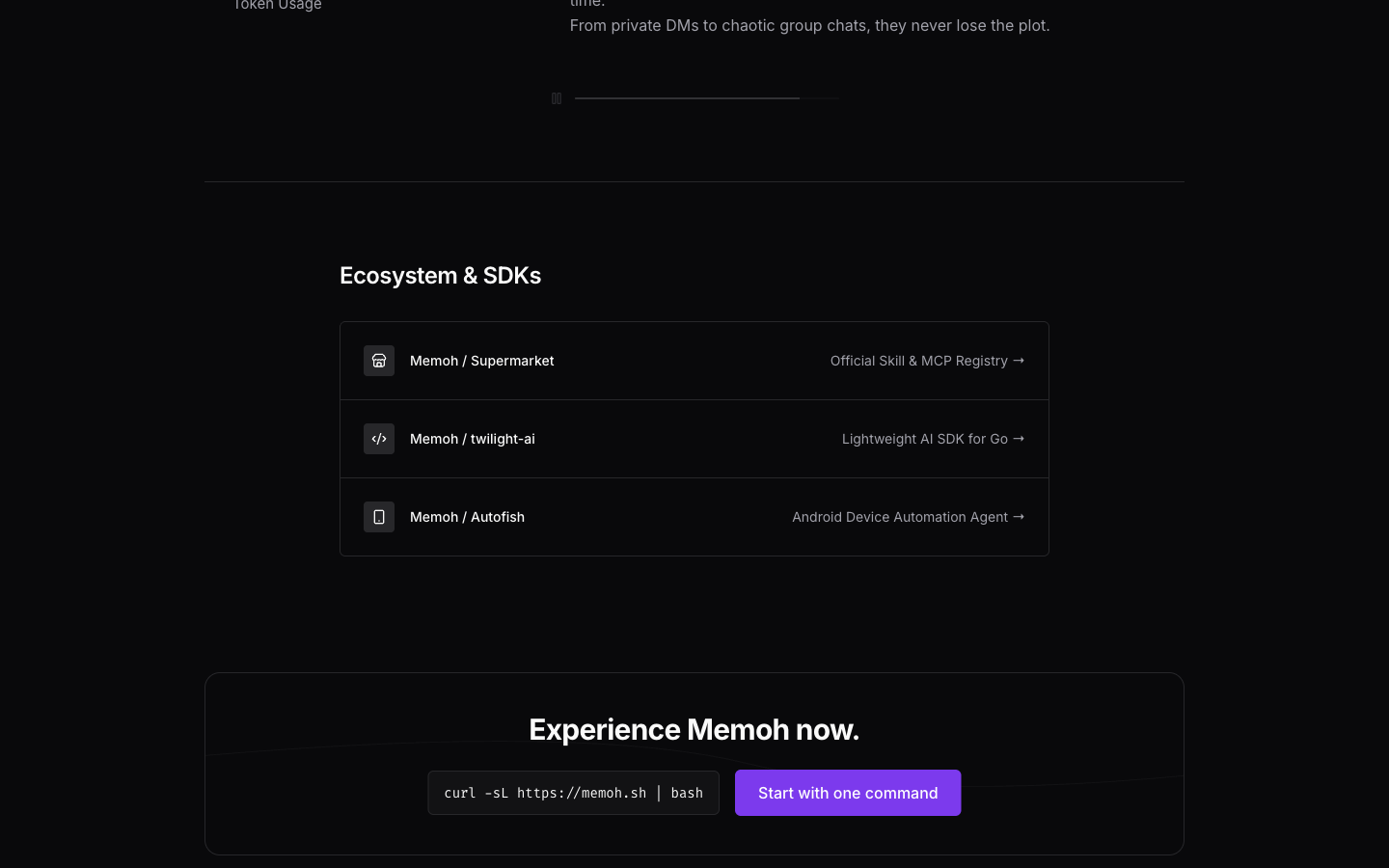
The footer CTA: A single high-contrast button against the grid background, maintaining the same visual language as the Hero section.
Design System Principles
Four rules govern the Memoh interface:
Zero Shadow Canvas. Everything is shadow-none. Elevation comes from borders and background tokens. Only the sticky nav gets a shadow.
Purple Scarcity. Brand color on primary CTAs only. Never for decoration. Restraint makes it work.
Monochrome Hover. Color and opacity shifts only. No spatial displacement. Keeps the flat aesthetic clean during rapid scanning.
Generous Padding, Dense Content. Large internal padding around high-density information. Whitespace as structure.
These rules are applied consistently across the landing page and the product UI.
https://memoh.ai/
https://github.com/memohai/memoh
https://docs.memoh.ai/